live on the app store9 nov 2026
 sona
speech is turned into text on your device; there is no server and no account. notes sit where you choose: on the phone, in your own icloud drive, or a folder you pick.
a notetaker that writes down what people say.
i wanted a notetaker that writes down what people say as they say it, without sending my conversations to anyone's server.
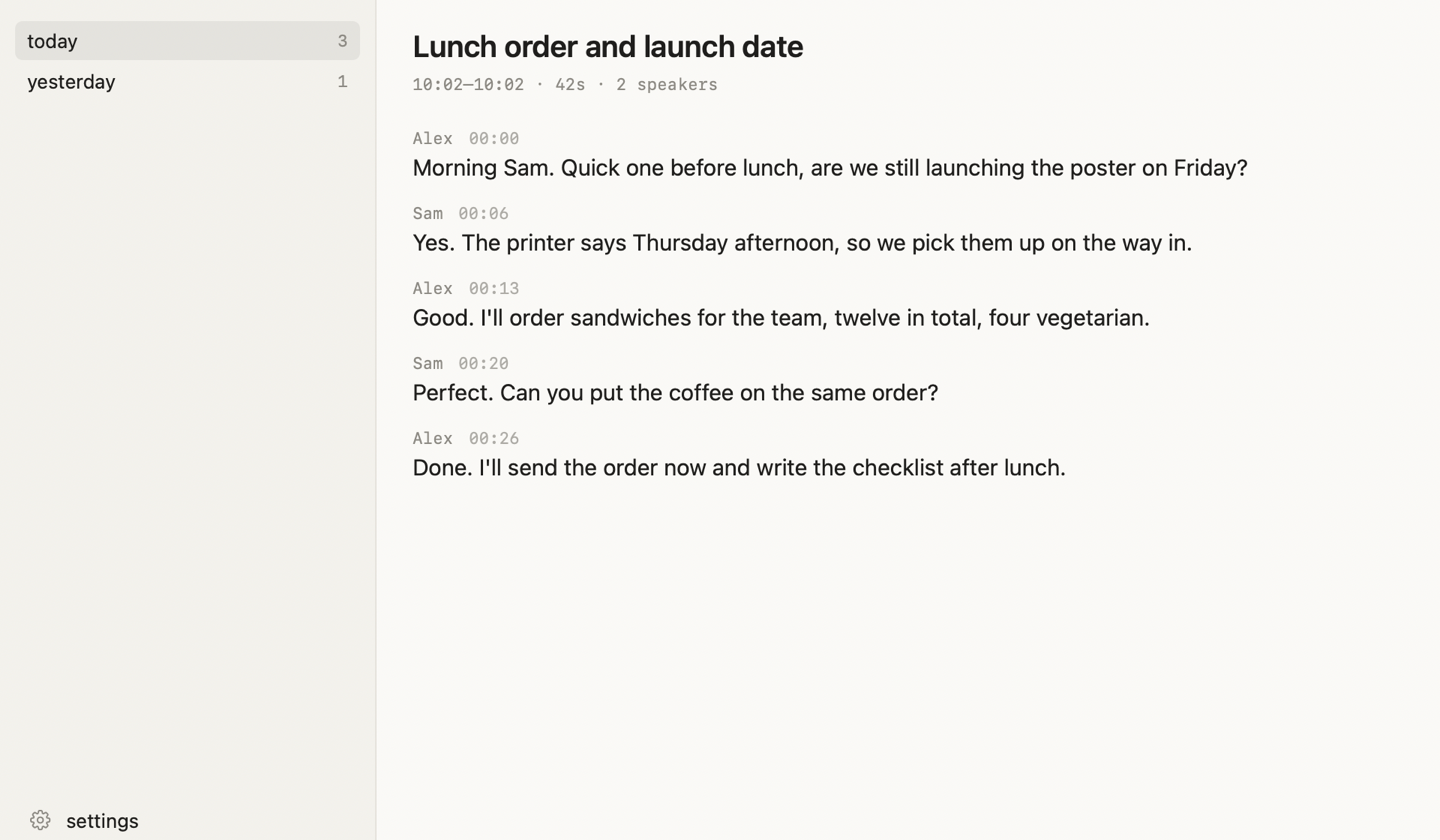
sona listens on my mac, shows a live transcript with who is speaking, and saves each conversation as a plain markdown note in a folder i own. the iphone and apple watch apps cover everything that happens away from a desk.
it went live on the app store on 9 nov 2026, and i use the mac app every day.
- a live transcript with who is speaking, word by word, with the delay from speech to screen about 0.25 s (median, measured on an m2 macbook air).
- hold fn in any app, talk, let go, and the words are pasted where you were typing. about 0.24 s from key release to text.
- every conversation becomes a markdown note with who said what, in a folder you own. open it in obsidian or any editor.
- an mcp server lets claude, cursor or codex read your notes, the live transcript and the conversation still going on, if you allow it. it is read-only apart from renaming a speaker.
- optional: hear what the mac itself plays (a video, the other side of a call) as its own labelled track. signed, notarized and self-updating (sparkle).
free on the app store
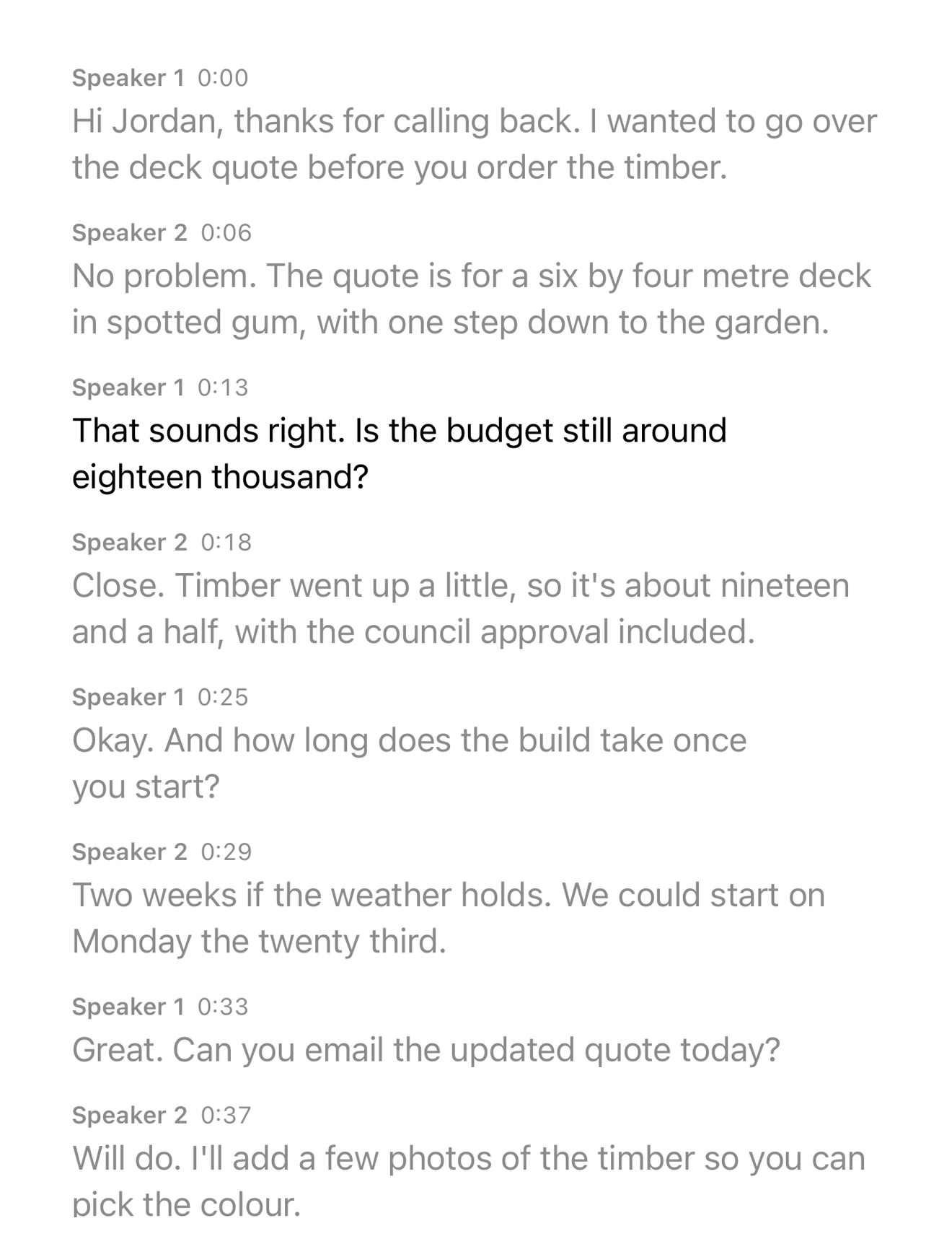
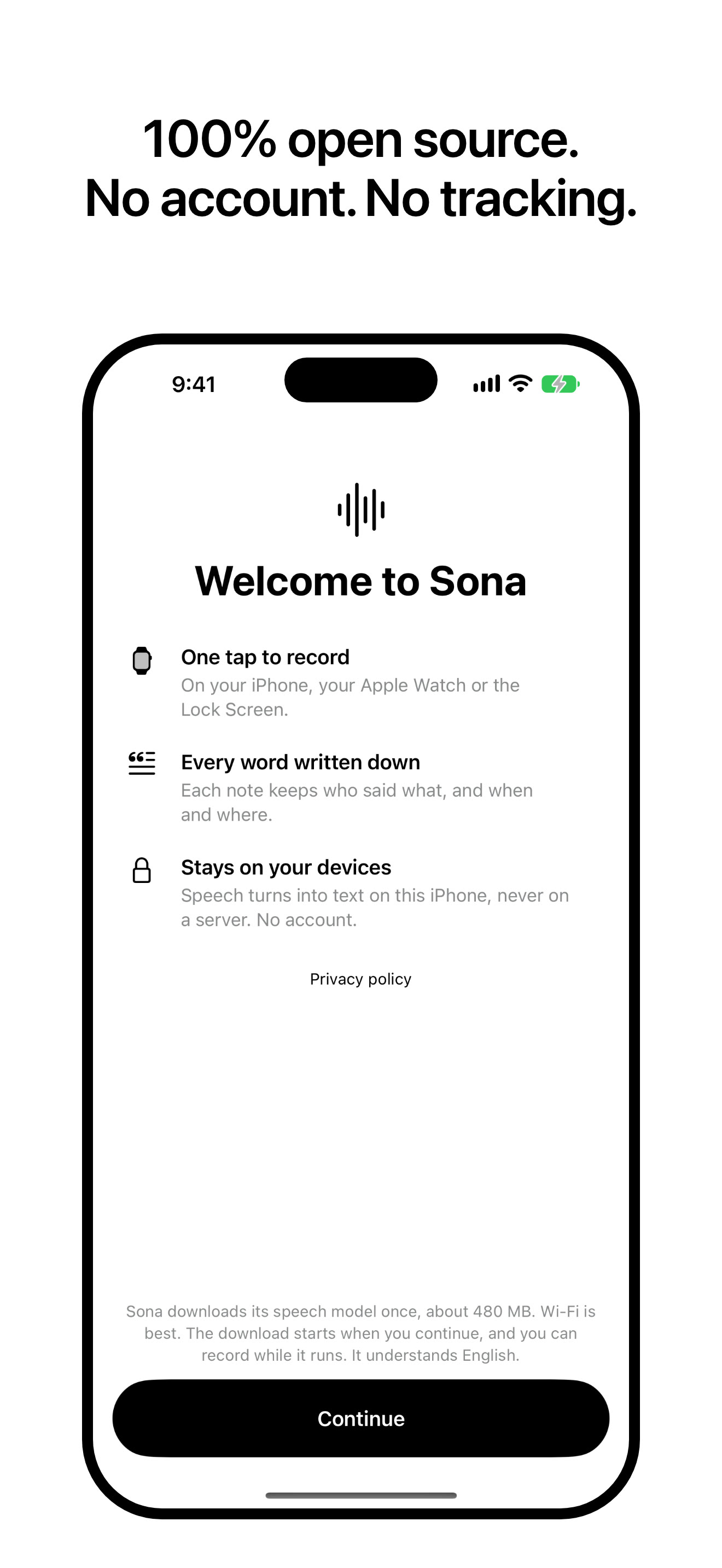
- a dictaphone that writes things down: tap record, talk, stop, and it becomes a note with a transcript, a time and, if you allow location, the street.
- the speech is turned into text on the phone with an nvidia parakeet model (about 480 mb, downloaded once), and voices are labelled speaker 1, speaker 2.
- it starts from the lock screen, control centre, the action button, a widget or siri, and keeps recording with the phone locked. the lock screen and dynamic island show the length, a voice wave and a stop button.
- search finds what was said, and tapping a place shows every note made there. notes are markdown files you can keep on the phone or in your own icloud drive.
- note: on the phone the transcript appears after you stop, not live. live transcript is the mac app.
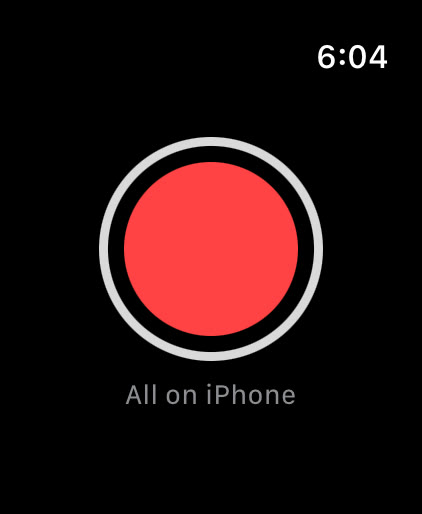
one big button
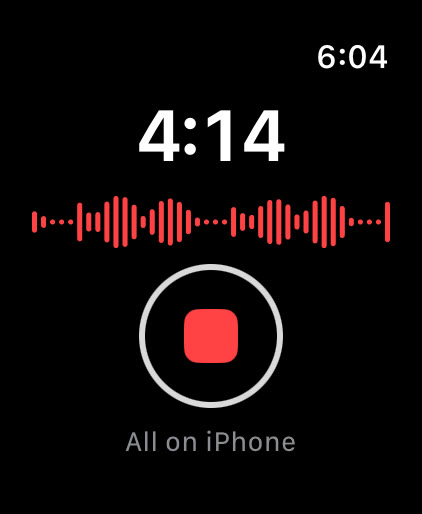
- one big record button on the wrist, plus watch-face complications that start and stop a note.
- the audio is recorded on the watch, sent to the iphone over watch connectivity, and turned into a note there. the watch deletes its copy only once the phone confirms it saved it.
- lowering your wrist does not stop the recording. the watch checks every minute that its recorder is still writing, and warns if it is not.
- 01the micon the mac, live. the iphone and watch record, then hand over when you stop.
- 02speech to text, on the devicenvidia parakeet running on the apple neural engine.
- 03who said itspeaker labels, then the whole conversation is transcribed again for the note.
- 04a noteplain markdown with every line's speaker and time, plus the audio.
- 05where you choosethe phone, your own icloud drive, or a folder you pick.
- 06your ai toolsan mcp server lets claude, cursor or codex read your notes, if you allow it.
the details
- live transcript: nvidia parakeet unified 0.6b (streaming, english) running as coreml on the apple neural engine, with nvidia nemotron 3 streaming diarization for who is speaking, and silero vad to find speech.
- finished notes: when a conversation ends, all of it is transcribed again with the whole conversation in view, using parakeet tdt 0.6b v2 for the words and pyannote community-1 with vbx clustering for the speakers (coreml builds via the fluidaudio swift sdk).
- crash-safe audio: audio is written to disk as it is heard and flushed every 5 s on the mac (every 10 s on the iphone), so a crash or power cut still turns into a note on next launch.
- the iphone and the mac share one engine: the iphone app links the mac package's notes and speech code, so both write the same note format (.md, a .json with word timings, an .m4a).
- sync: no sync service of its own. the iphone writes into its own icloud drive folder (or stays on the phone, or a folder you pick), and the mac app copies new notes from that folder into ~/Sona. it only copies and never deletes.
- watch to phone: audio goes over watchconnectivity
transferFile, the phone stores it once (it remembers the last 1000 ids) and sends back an acknowledgement, and only then does the watch delete its copy. - mcp: a stdio server with 8 tools (live, current_conversation, transcript, recent, list_conversations, read_conversation, search, rename_speaker); it only runs when the ai app starts it and never follows a symlink out of the notes folder.
- stack: swift 6 and swiftui, mac app for apple silicon on macos 14+, iphone and watch on ios and watchos 26.
all on my own m2 macbook air, 16 gb, with my own test clips. no outside benchmark.
- 0.25 sfrom a spoken word to on screen, median, on the mac
- 0.24 sfrom letting go of the dictation key to pasted text, median
- 2%word error on the test speech when dictating
- 1.6%cpu when always on with the window closed, and 85 mb of memory
- 70xreal time, from a finished conversation to its note
- 18 mbthe mac app. the speech models download once
- 19,010lines of swift in the mac app, plus 19,934 for iphone and watch
- 396mac tests. 243 iphone and 135 watch tests passed on 9 nov 2026
- 4signed, notarized mac releases
- 52.3 hof my own conversations in its first ten days, 7 to 16 nov 2026